
Features
Powerful Features for Every GM
From chat integration to PDF processing, Loremaster provides everything you need to run AI-enhanced tabletop sessions.
Seamless Chat Integration
Loremaster integrates directly into Foundry's chat system. No external tools, no alt-tabbing - everything happens right where your players are.
Chat Commands
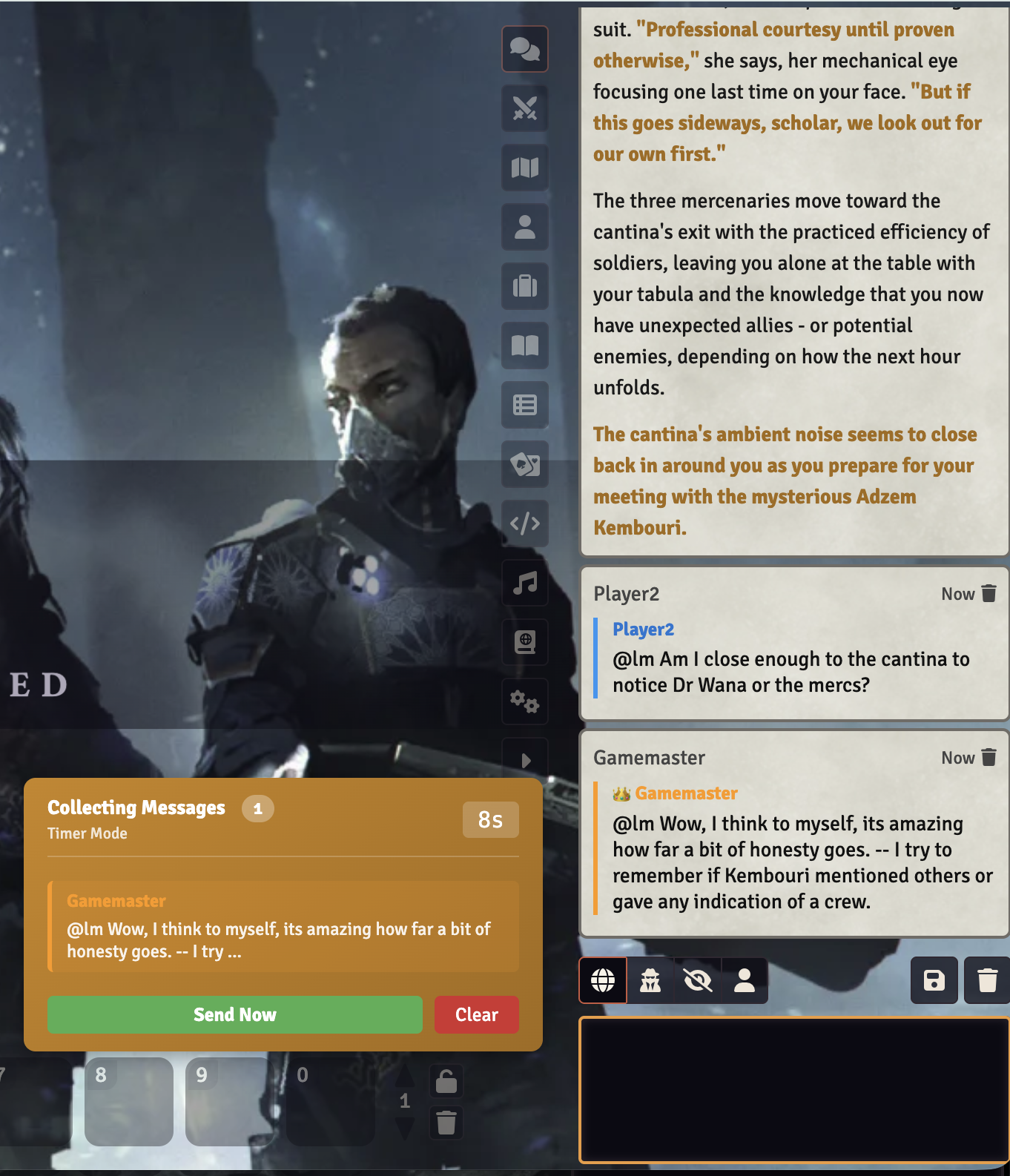
@lm- Send a message to Loremaster (visible to all)@lm!- Private GM chat (only you see the response)[GM RULING: ...]- Override AI with your ruling
Response Visibility
Configure how AI responses appear: public to all players, GM-only, or whispered to the requester. Perfect for controlling information flow.
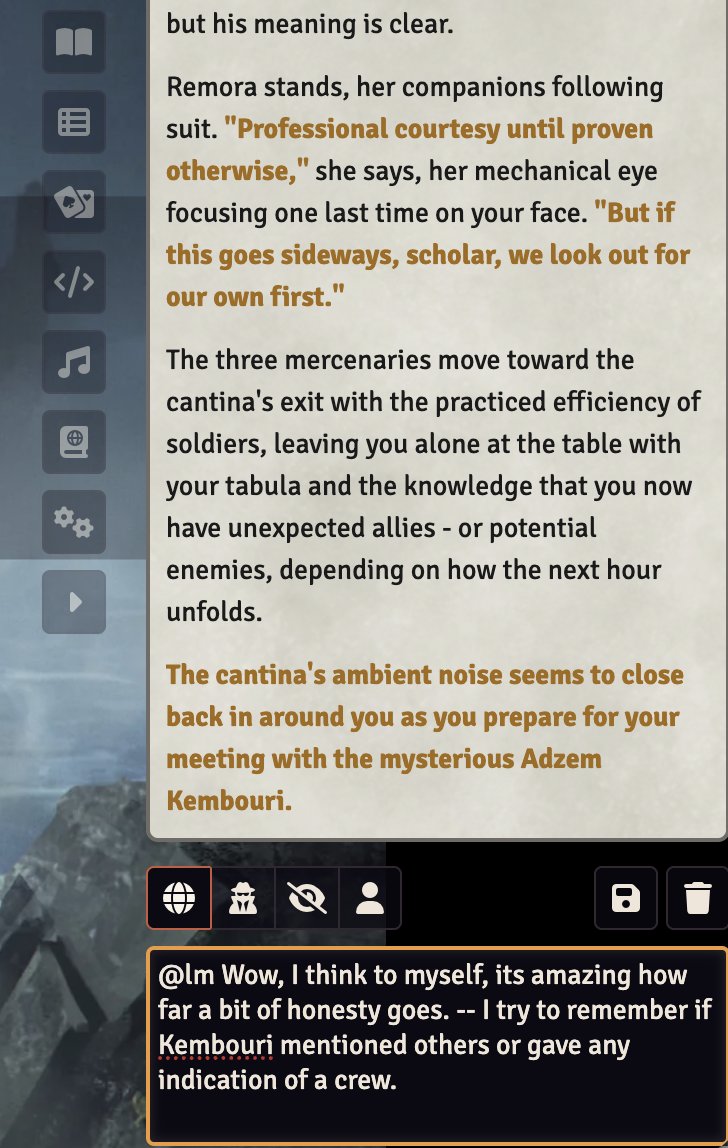
Multi-Player Message Batching
In tabletop gaming, multiple players often act simultaneously. Loremaster's batching system collects player actions before sending them to the AI, ensuring everyone's input is considered together.
Timer Mode
Automatically collects messages for a configurable duration (3-30 seconds) before sending to the AI. Great for fast-paced sessions.
Manual Mode
The GM manually triggers when to send batched messages. Perfect for tactical combat where you want explicit control.
Visual Indicators
Players see when batching is active, how many messages are queued, and time remaining. Full transparency.
Private GM Workflow
Not every AI response should go directly to players. Loremaster gives GMs full control over what gets published.
Publish / Iterate / Discard
- Publish - Send the response to players and add to campaign canon
- Iterate - Provide feedback and regenerate the response
- Discard - Reject the response without saving
Veto & Correction
Made a mistake? Use the veto mechanism to reject a response and provide correction instructions for automatic regeneration.
PDF Adventure Support
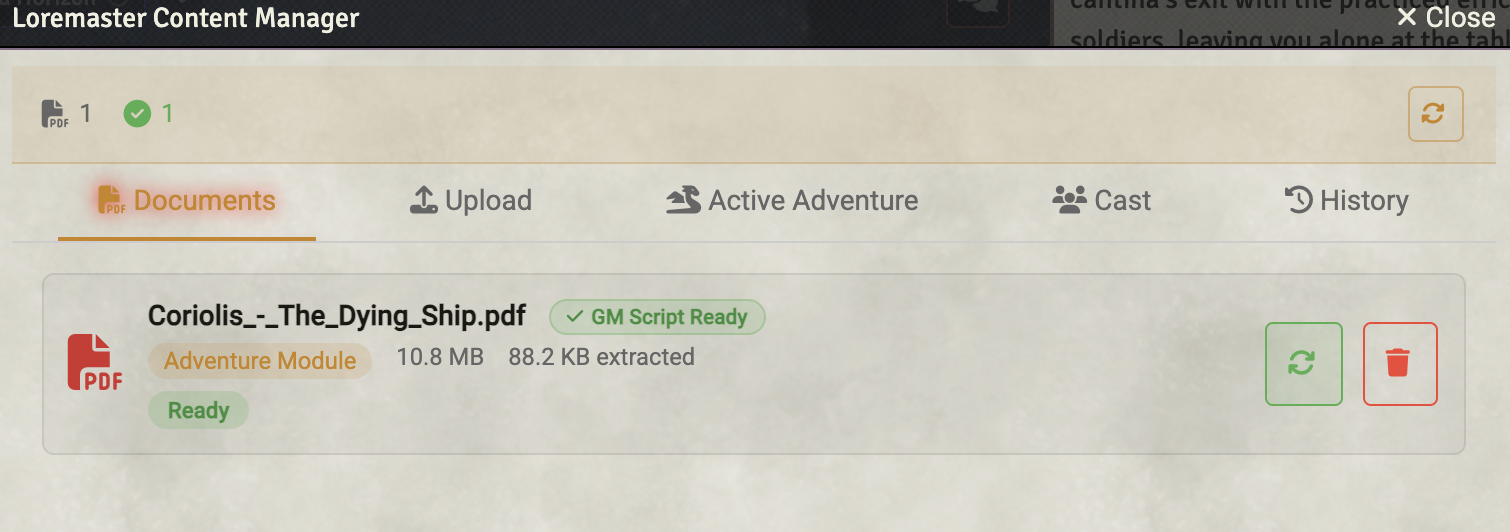
Upload your adventure PDFs directly to Loremaster. The AI reads and understands your adventure content, running it accurately without manual transcription.
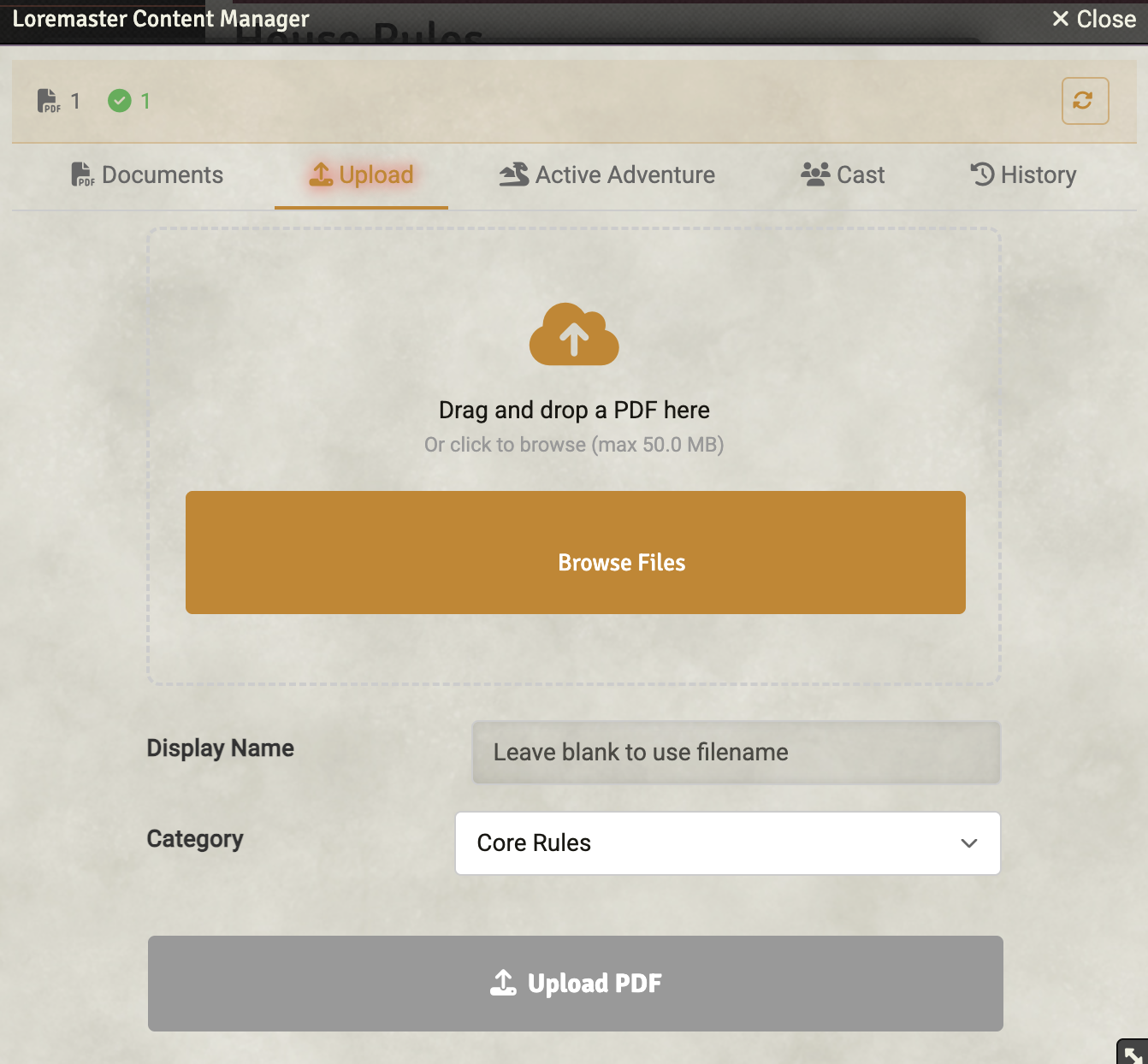
Content Categories
- Core Rules
- Rules Supplements
- Adventure Modules
- Adventure Supplements
- Reference Materials
Active Adventure Selection
Running multiple adventures? Select which one is currently active to focus the AI's context.
Shared Content Library
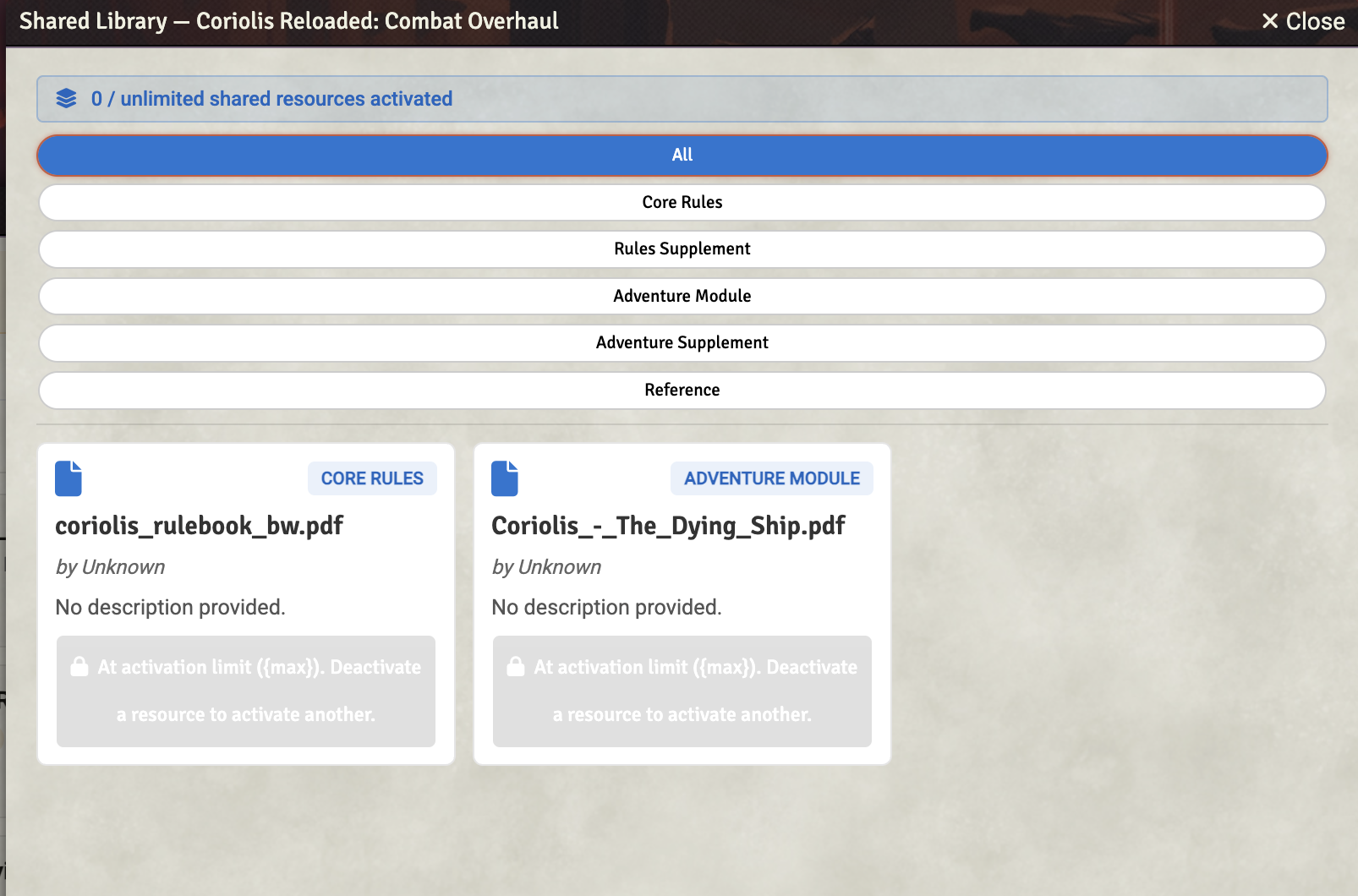
Browse a curated library of shared adventures and reference materials published by the community. Activate content for your world and the AI instantly has access to it — no uploading or processing required.
Browse & Activate
- Browse shared content filtered by your game system
- Activate adventures and rulebooks with one click
- Activated content integrates seamlessly with the AI's knowledge
- Deactivate anytime to free up your activation slots
Tier-Based Access
Shared library activations scale with your subscription tier. Basic subscribers can activate up to 2 items, Pro up to 5, and Premium subscribers get unlimited activations.
Contribute to the Library
Submit your own processed PDFs for review. Once approved, your content becomes available to other Loremaster users running the same game system.
GM Prep Script Generation
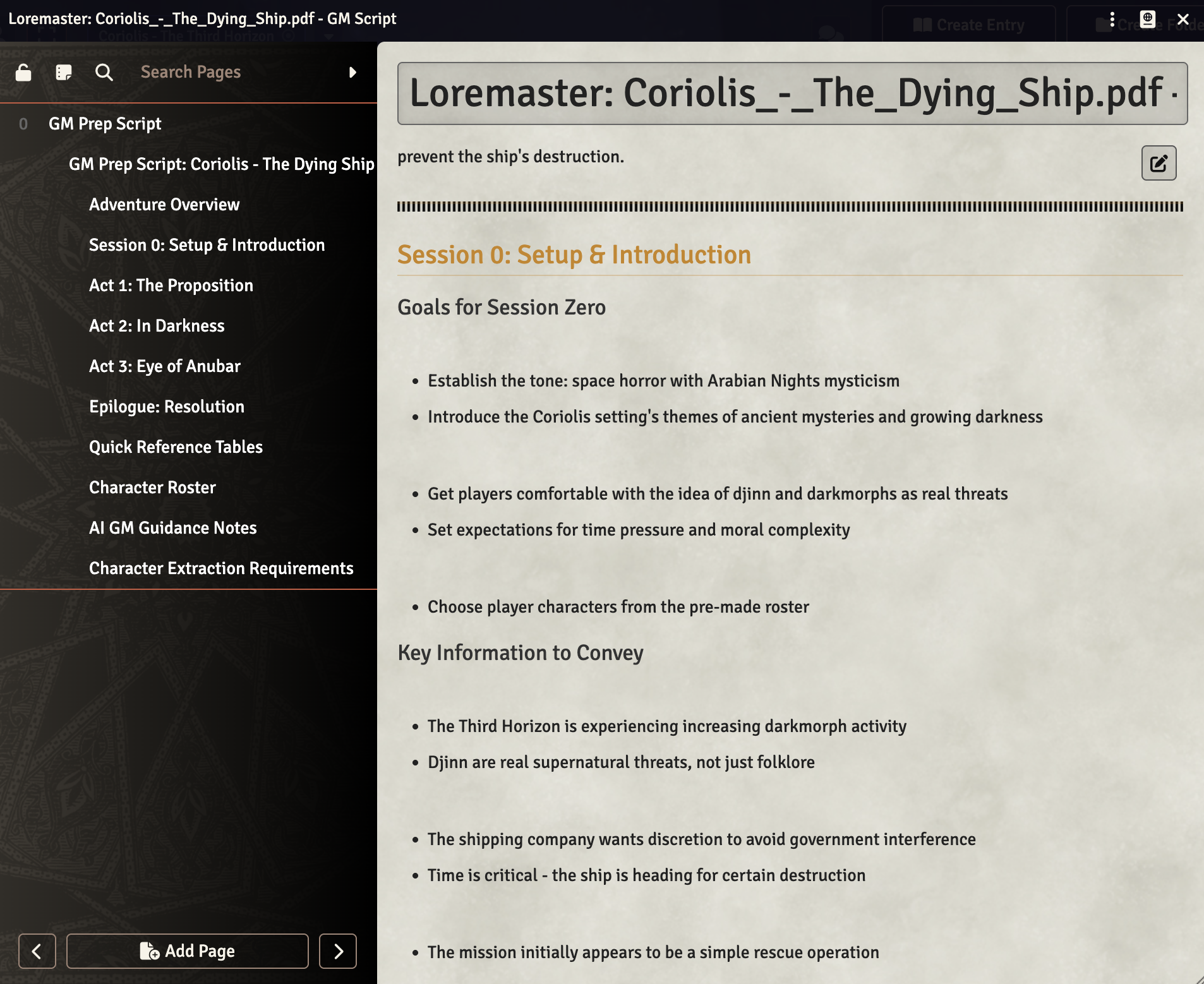
Turn adventure PDFs into structured preparation notes. Loremaster generates comprehensive GM scripts in 1-2 minutes.
What's Included
- Session 0 setup and character integration hooks
- Act-by-act story goals and milestones
- Key events and decision points
- NPC summaries with motivations
- Strategies for guiding players
Editable Journals
Scripts are saved as Foundry journal entries that you can edit and customize to your style.
Solo Player Support
No group? No problem. Loremaster is built from the ground up to support solo adventurers, turning any published adventure into a single-player experience.
Play Any Character
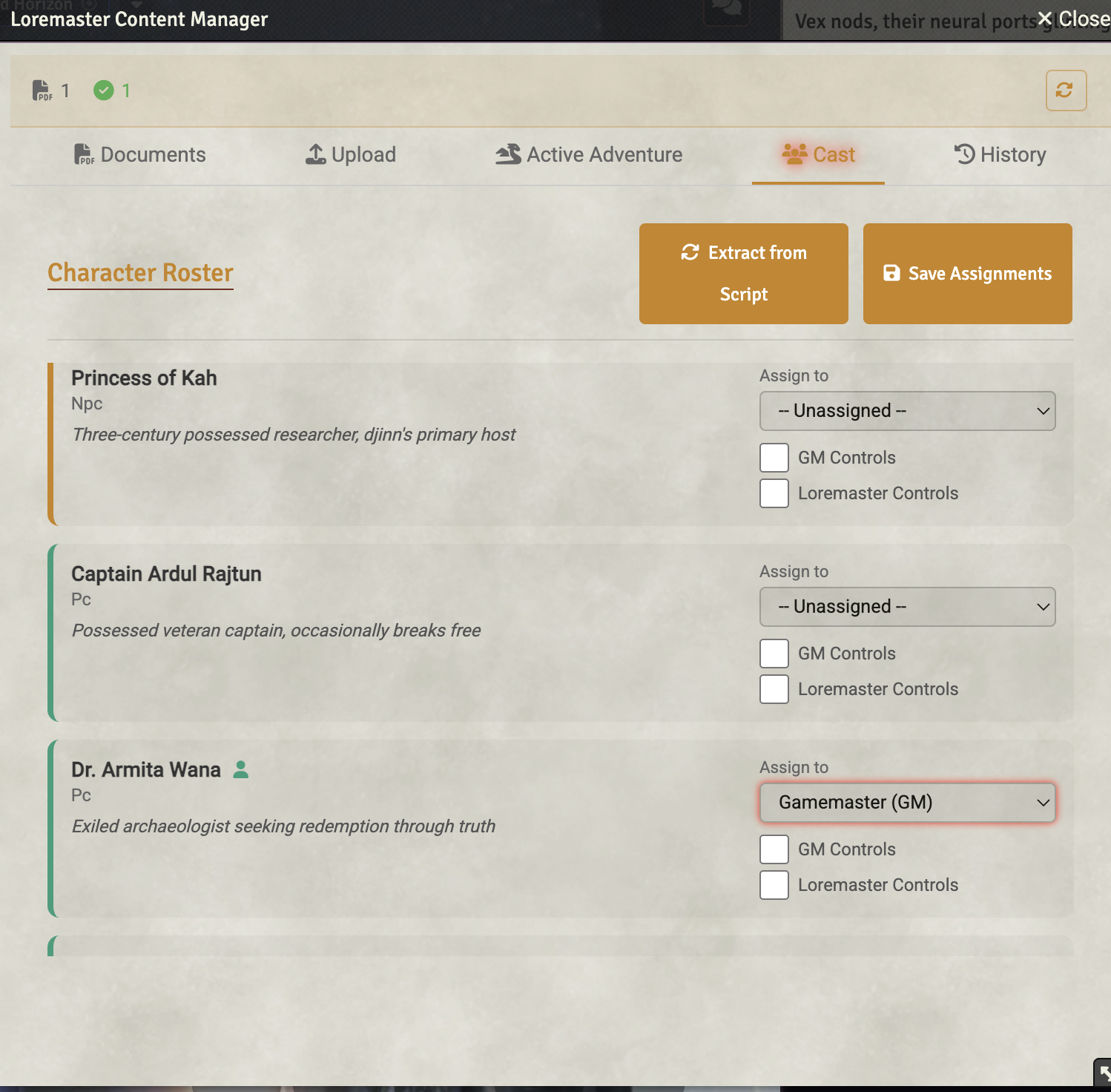
When you activate an adventure, Loremaster extracts all the pre-generated characters. Choose which one you want to play - the bold captain, the mysterious scientist, the seasoned mercenary - and Loremaster brings the rest to life as your companions.
Dynamic Party AI
- NPCs act according to their personalities and motivations
- Party members contribute to conversations and decisions
- Combat actions resolved intelligently based on character abilities
- Relationships evolve based on your choices
Customize Your Cast
Not interested in the pre-generated characters? Create your own cast entirely. Assign player characters, mark which NPCs Loremaster should control, and build exactly the party you want for your solo adventure.
Cast Management
The Cast tab in the Content Manager lets you adjust assignments at any time. Swap which character you're playing, bring in new NPCs, or take manual control of a companion for a specific scene.
Intelligent Tool Use
Claude doesn't just talk - it can take actions. Loremaster provides tools that let the AI interact directly with your game.
Year Zero Engine Tools
yze_skill_check- Roll attribute + skill dice poolsyze_attack- Weapon attacks with gear bonusyze_push_roll- Reroll with darkness pointsyze_opposed_roll- Contested rolls between actors
Cross-System Tools
roll_dice- Generic dice rollingget_actor/get_scene/get_combat- Query game stateapply_damage- Apply damage with armor handlingspeak_as- NPC dialogue and narrationplay_audio- Control playlists
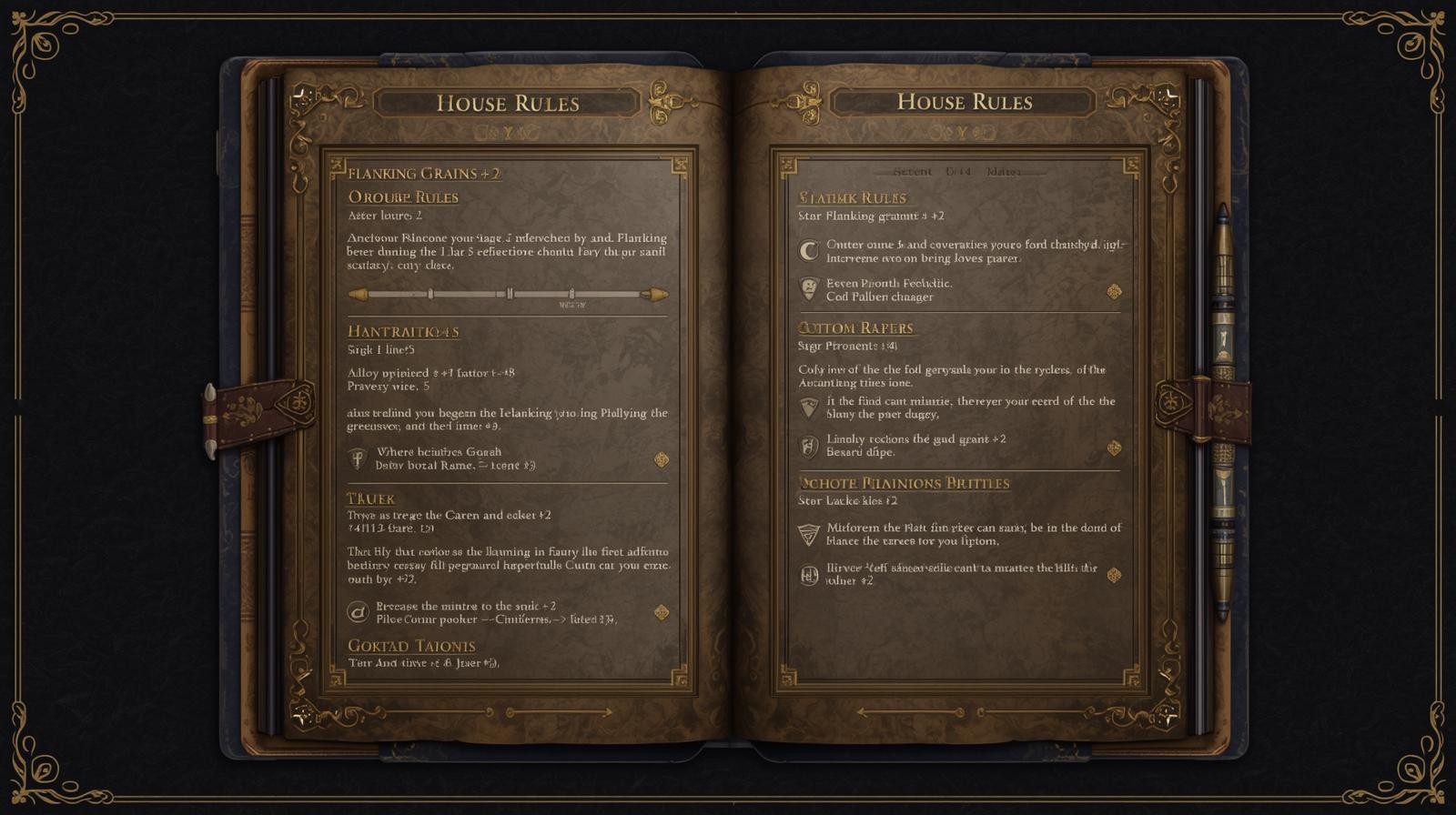
House Rules System
When the AI and your rulebook disagree, you're in charge. Loremaster detects rules discrepancies and lets you set house rules that persist.
Discrepancy Detection
Automatically detects when the PDF rules conflict with Foundry's system implementation. The GM decides which interpretation wins.
Ruling Types
- Session-only - Expires after 24 hours
- Persistent - Permanent house rules across sessions
Journal Integration
House rules are stored in editable journal entries with full context about what was ruled and why.
Conversation Management
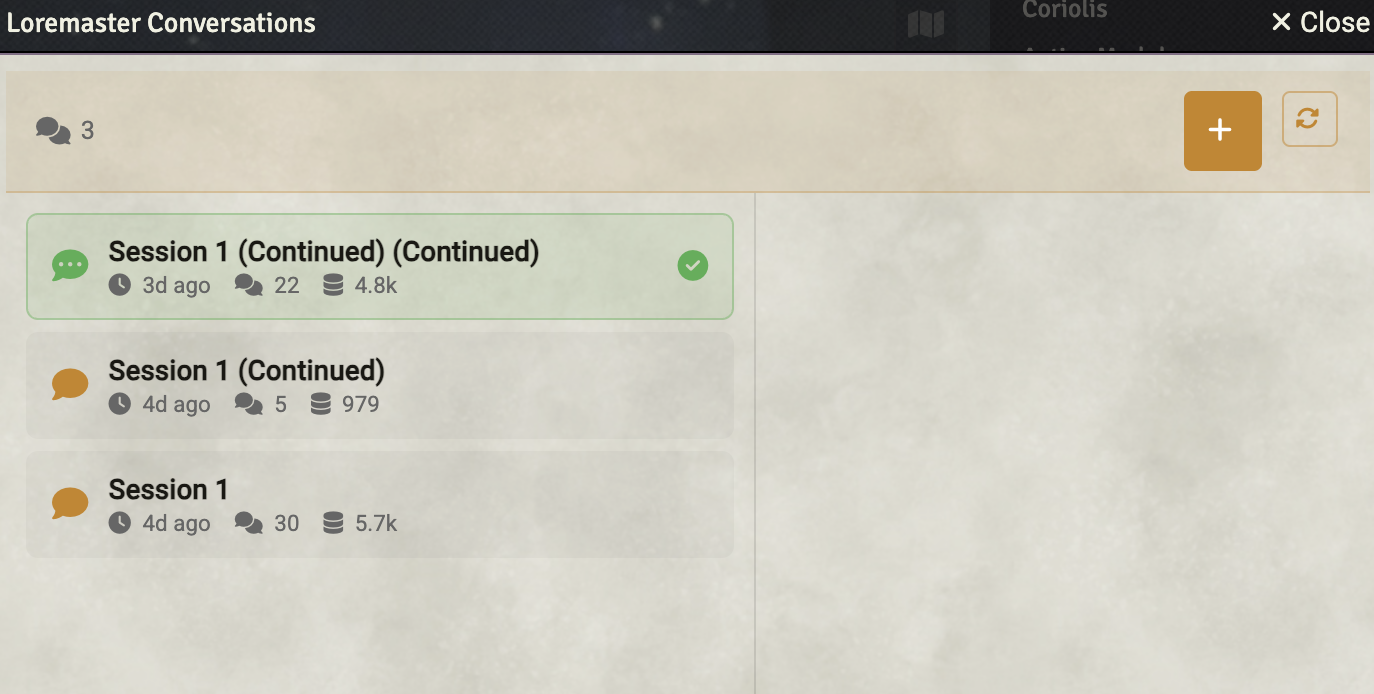
Full control over your AI conversation history. Create, switch, rename, and manage multiple conversations.
Conversation Features
- Multiple active conversations per campaign
- Token usage tracking per conversation
- Conversation compaction to reduce context size
- Adventure summary generation
- Archive old conversations as read-only
Canon System
Published responses become campaign canon, building rich history that informs future sessions.
API Usage Monitoring
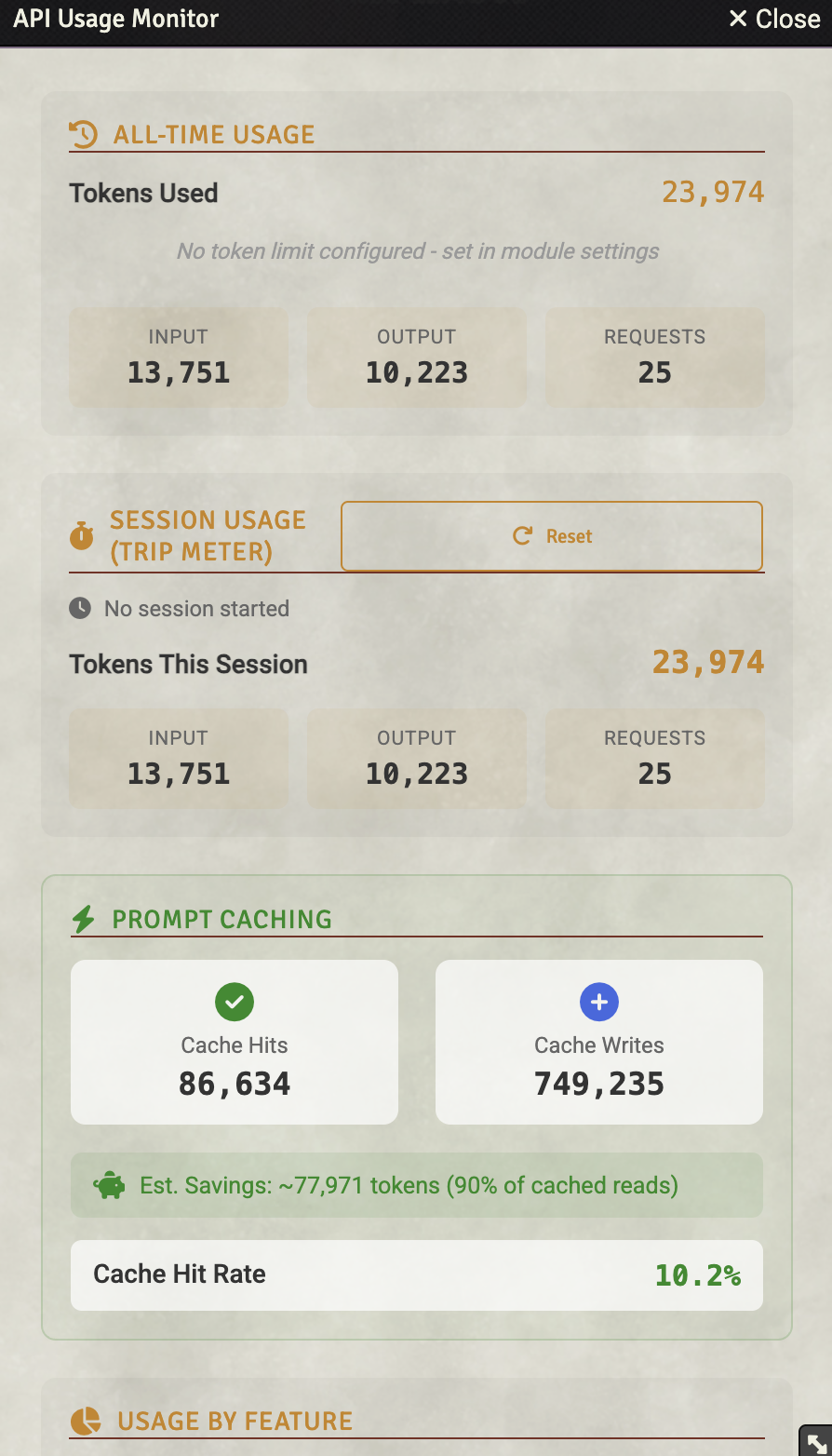
Full transparency into your Claude API usage. Track tokens, monitor costs, and set limits.
Usage Dashboard
- All-time and session-based token tracking
- Breakdown by feature (chat, batched, prep scripts, etc.)
- Progress bars with warning thresholds (75%, 90%)
- Configurable monthly token limits
Prompt Caching Metrics
- Cache hit rate (requests using cached prompts)
- Cache writes (new cache entries created)
- Estimated token savings from caching
System Extensibility
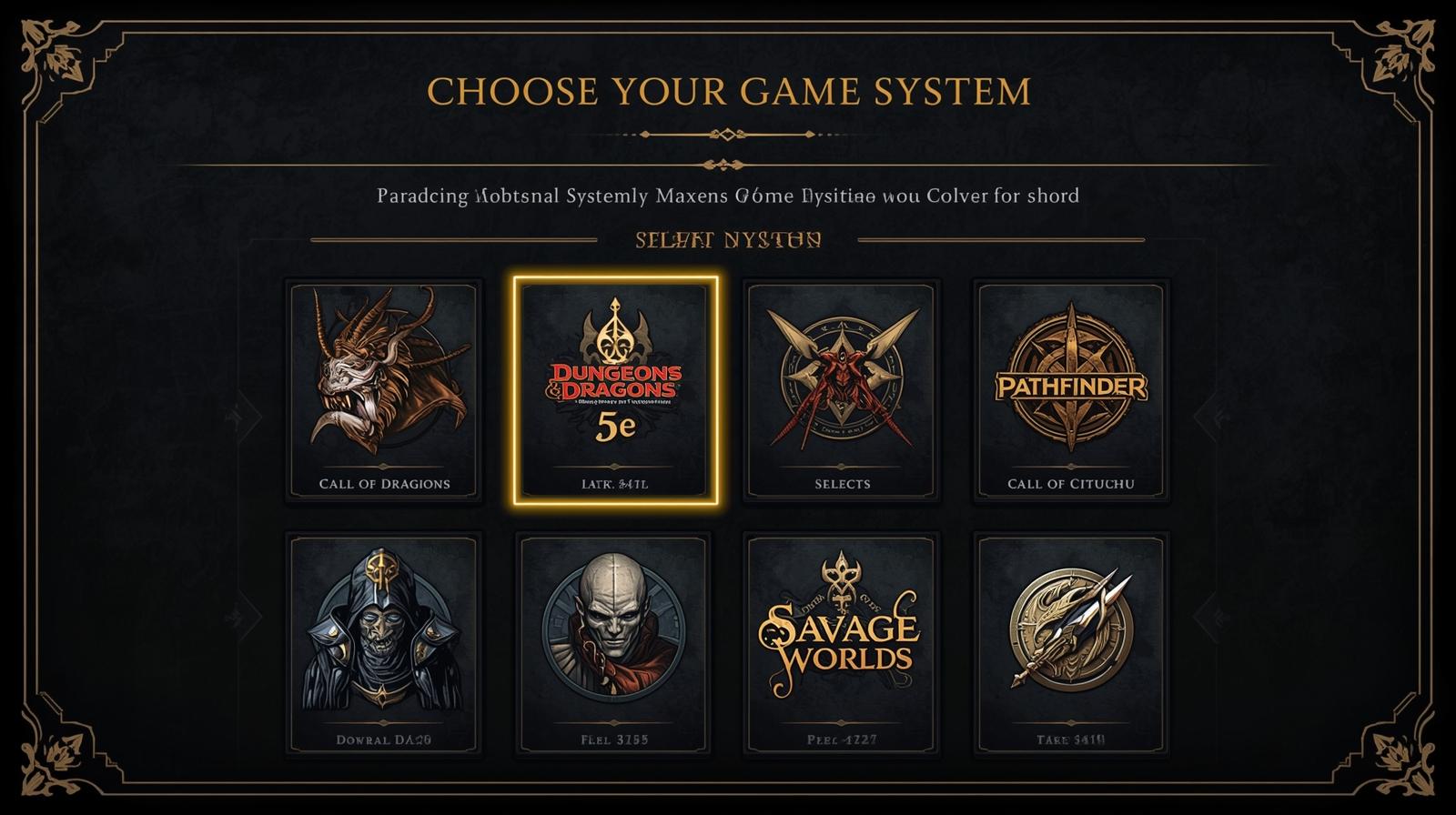
Loremaster is built with extensibility in mind. Currently supports Year Zero Engine games with a clean adapter pattern for adding more systems.
Supported Systems
- Coriolis: The Third Horizon
- Forbidden Lands
- Alien RPG
- Mutant: Year Zero
- Vaesen
Coming Soon
The adapter architecture makes adding D&D 5e, Pathfinder 2e, and other systems straightforward. Full documentation for creating custom adapters is available.
Ready to Enhance Your Game?
Get Loremaster and start running AI-enhanced sessions today.
Get Loremaster